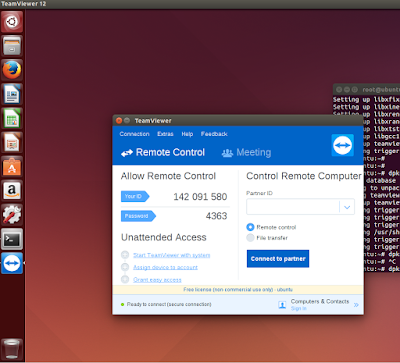
Download the TeamViewer from their website through your web browser and you can install it via GUI.
or use the CLI.
Be the root Like the boss as firt.
sudo su
Get it here
https://teamviewer.en.uptodown.com/ubuntu
Navigate to the directory
where it is downloaded
and Install the package.
dpkg -i teamviewer-10-0-36281-multi-ubu.deb
if there any problm during instalation
apt-get install -f

or use the CLI.
Be the root Like the boss as firt.
sudo su
Get it here
https://teamviewer.en.uptodown.com/ubuntu
Navigate to the directory
where it is downloaded
and Install the package.
dpkg -i teamviewer-10-0-36281-multi-ubu.deb
if there any problm during instalation
apt-get install -f


I just love your article. I do always look over your web site for brand new articles. I am (not very long ago) performing on an associate app zeenewslivetv that's going awing and special because of you
ReplyDeletethanks a lot
Delete